Live · Private betamacOS · Premiere Pro

Your multicam DJ set, cut automatically.

Drop in every angle. MultiCam syncs by sound, reads the music, and delivers a beat-matched multicam edit — a real, editable timeline, right inside Premiere Pro.

Many angles. One cut.Minutes, not days.100% local
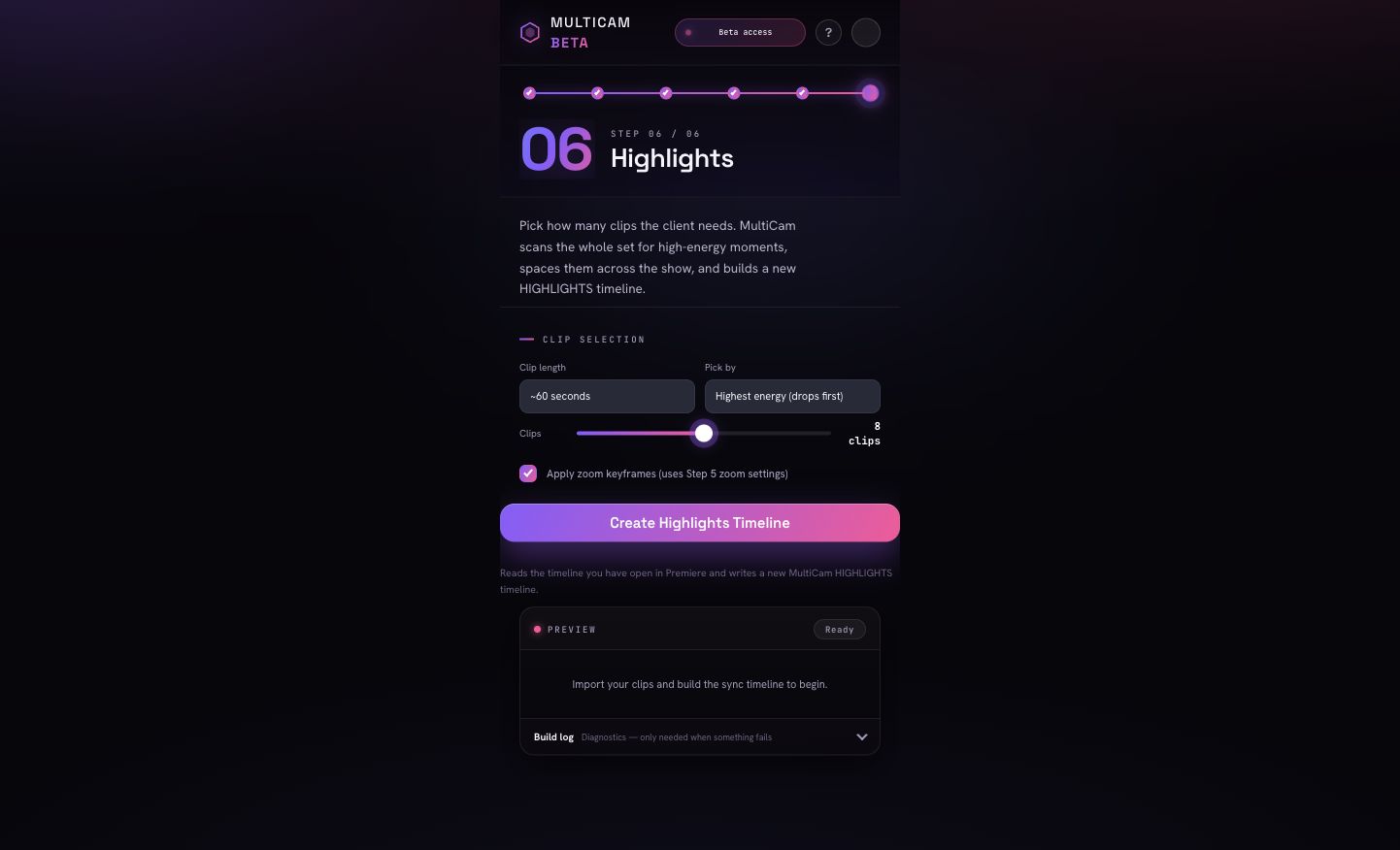
Plugin screenshot — timeline + panel
Why it's different

Three things it nails.

Automatic waveform sync

Aligns every angle by its own audio — no clapperboards, no timecode, no manual nudging. Frame-accurate.

Beat-matched cutting

Reads the drops and builds in the music, then places cuts that move with the energy of the set.

Camera roles + genre style

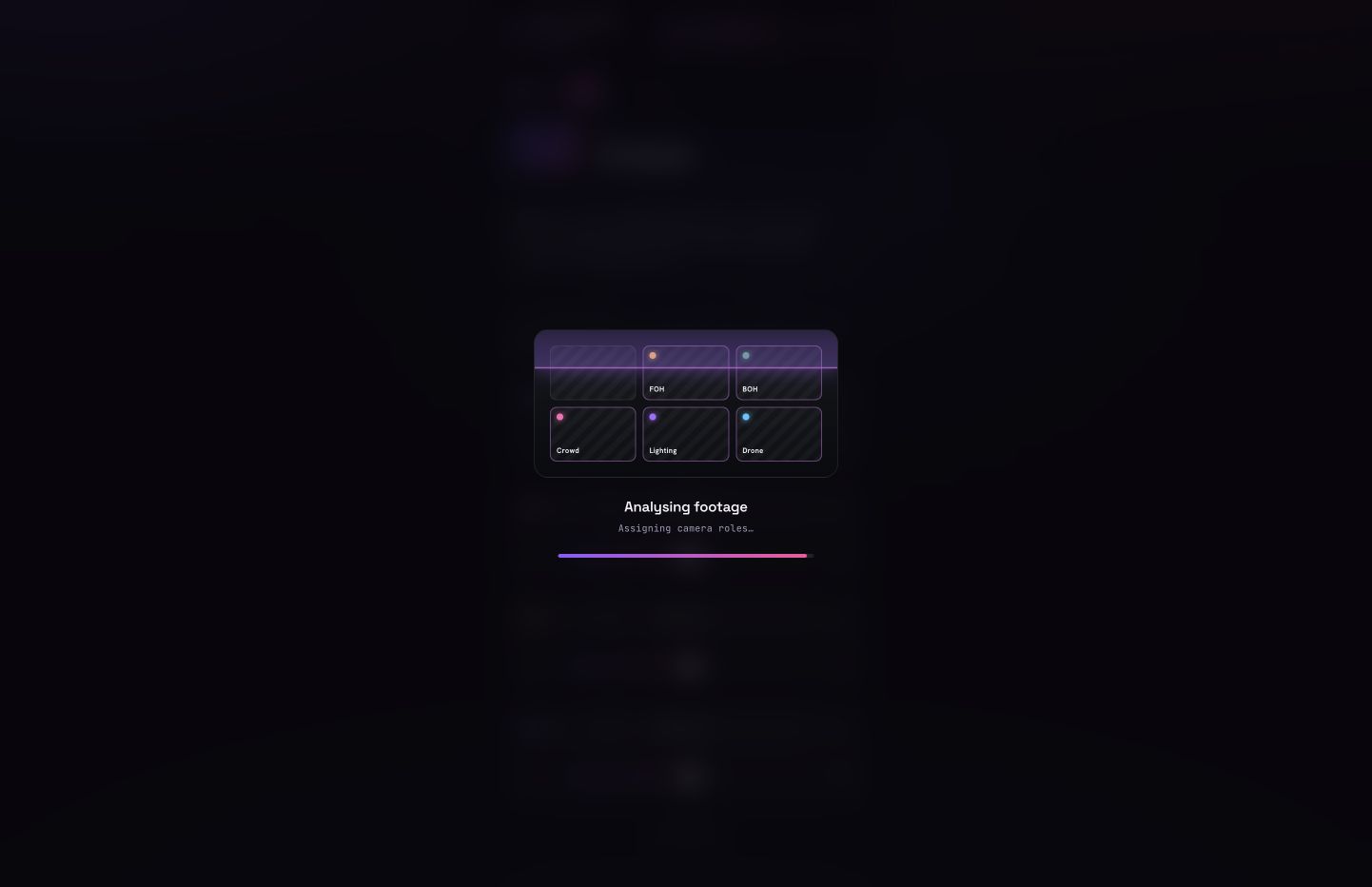
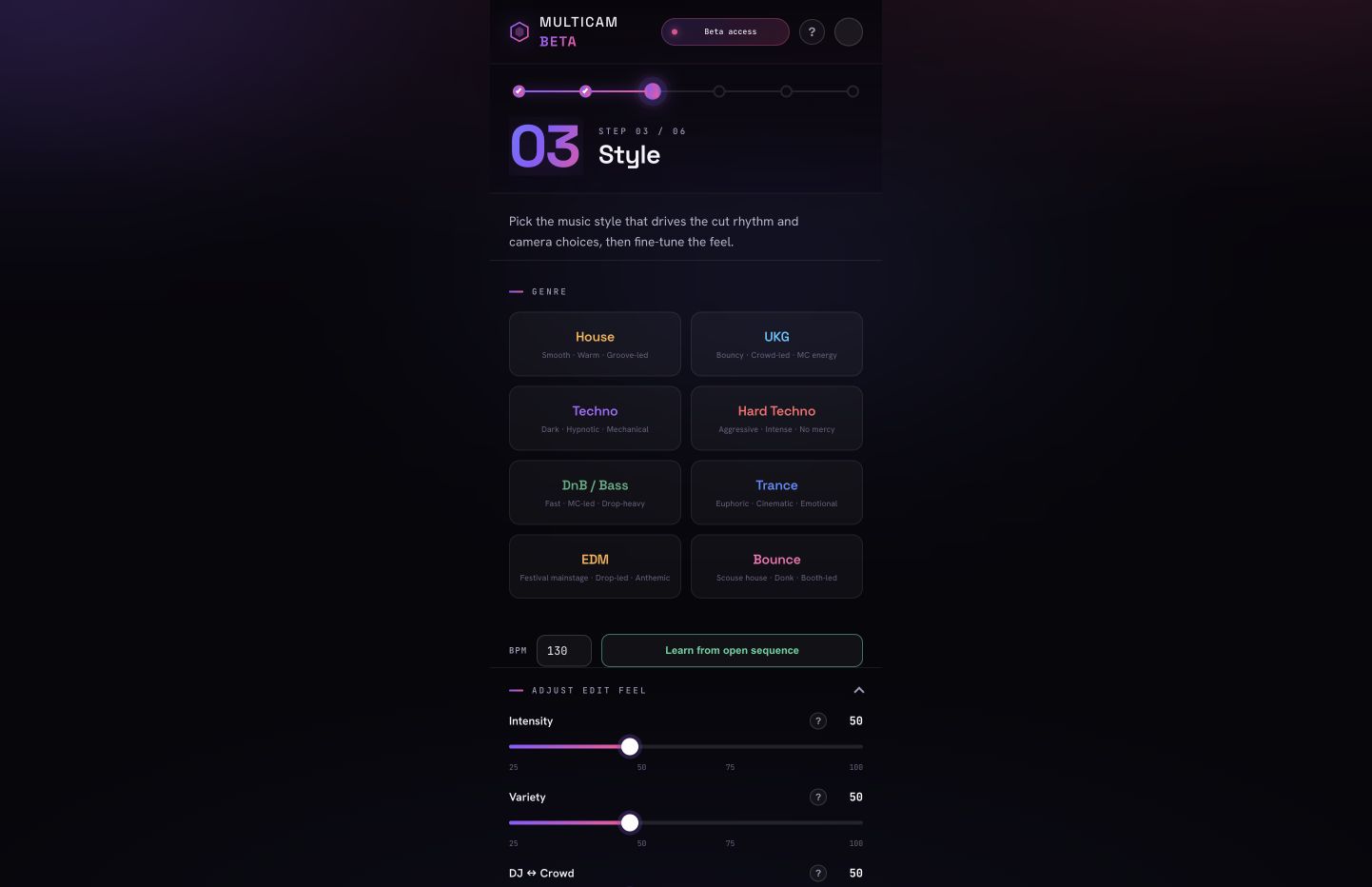
Tag wide, close, crowd, stage. Pick a genre feel. It respects your roles when choosing shots.

How it works

Import → Sync → Style → Generate → Refine.

01

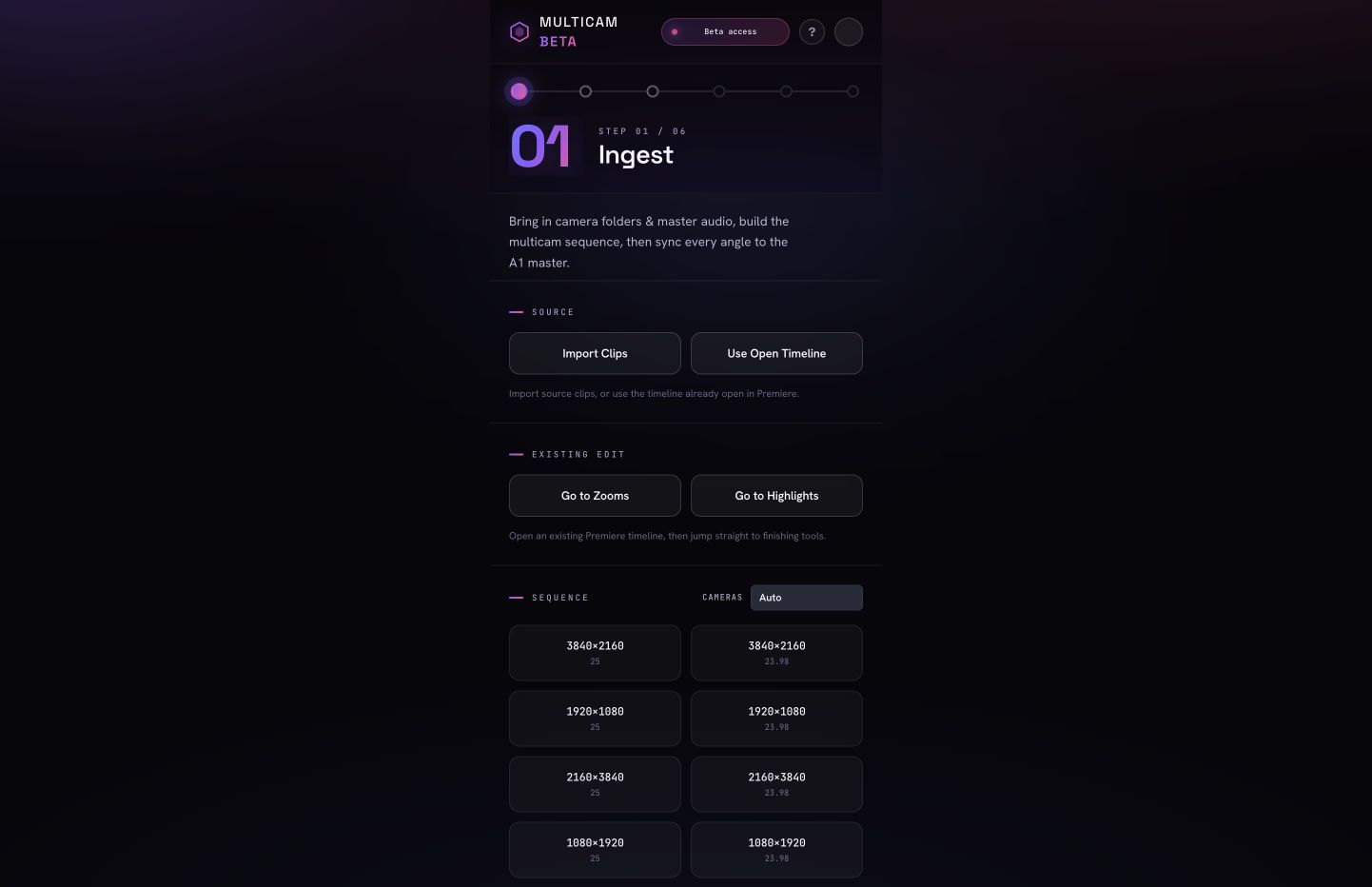
Import

Add every camera file. Each is recognised as a separate angle.

02

Sync

Locked together by audio, on one timeline.

03

Style

Set roles, genre energy and cut sensitivity.

04

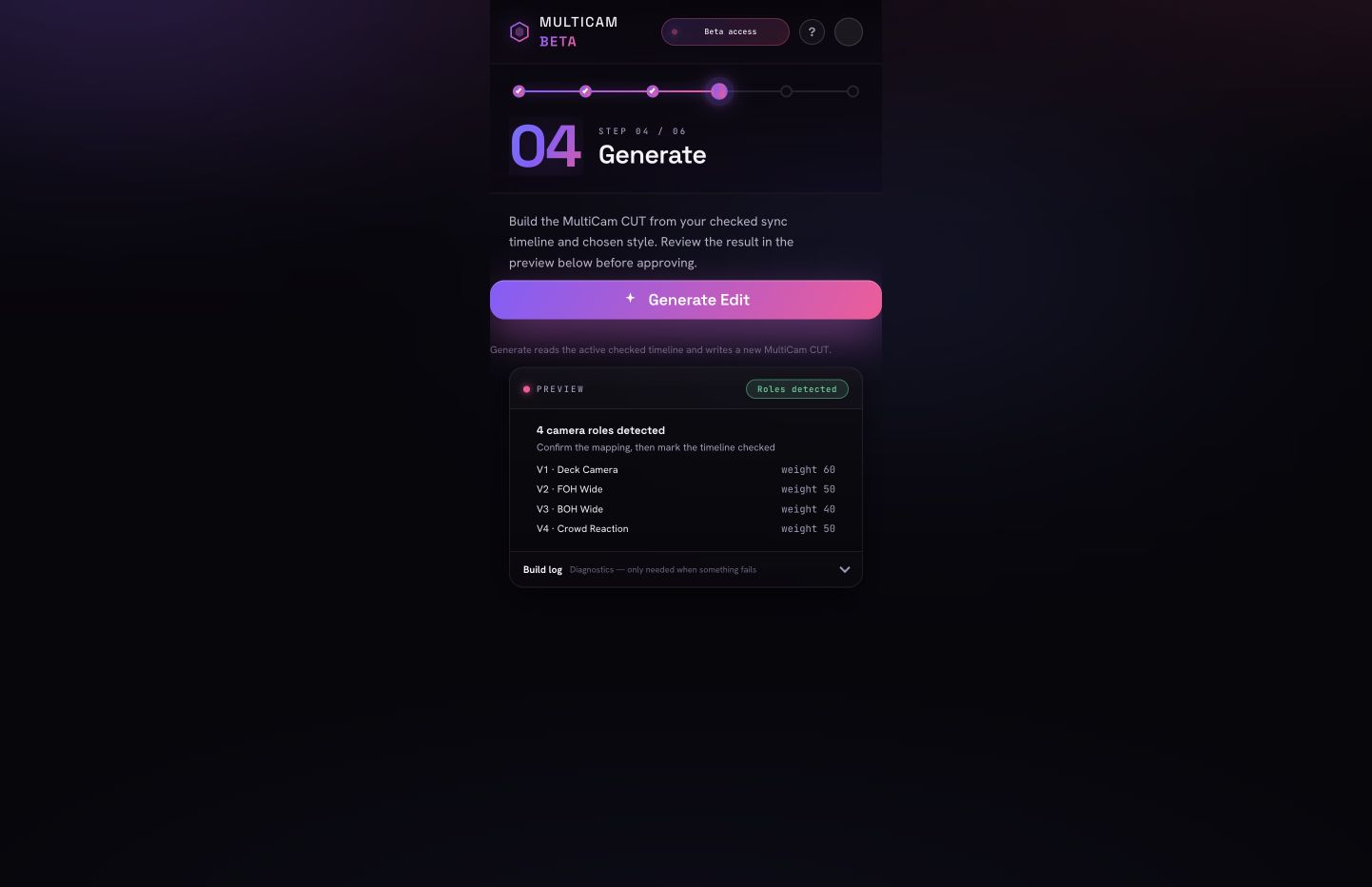
Generate

A beat-matched multicam cut is assembled for you.

05

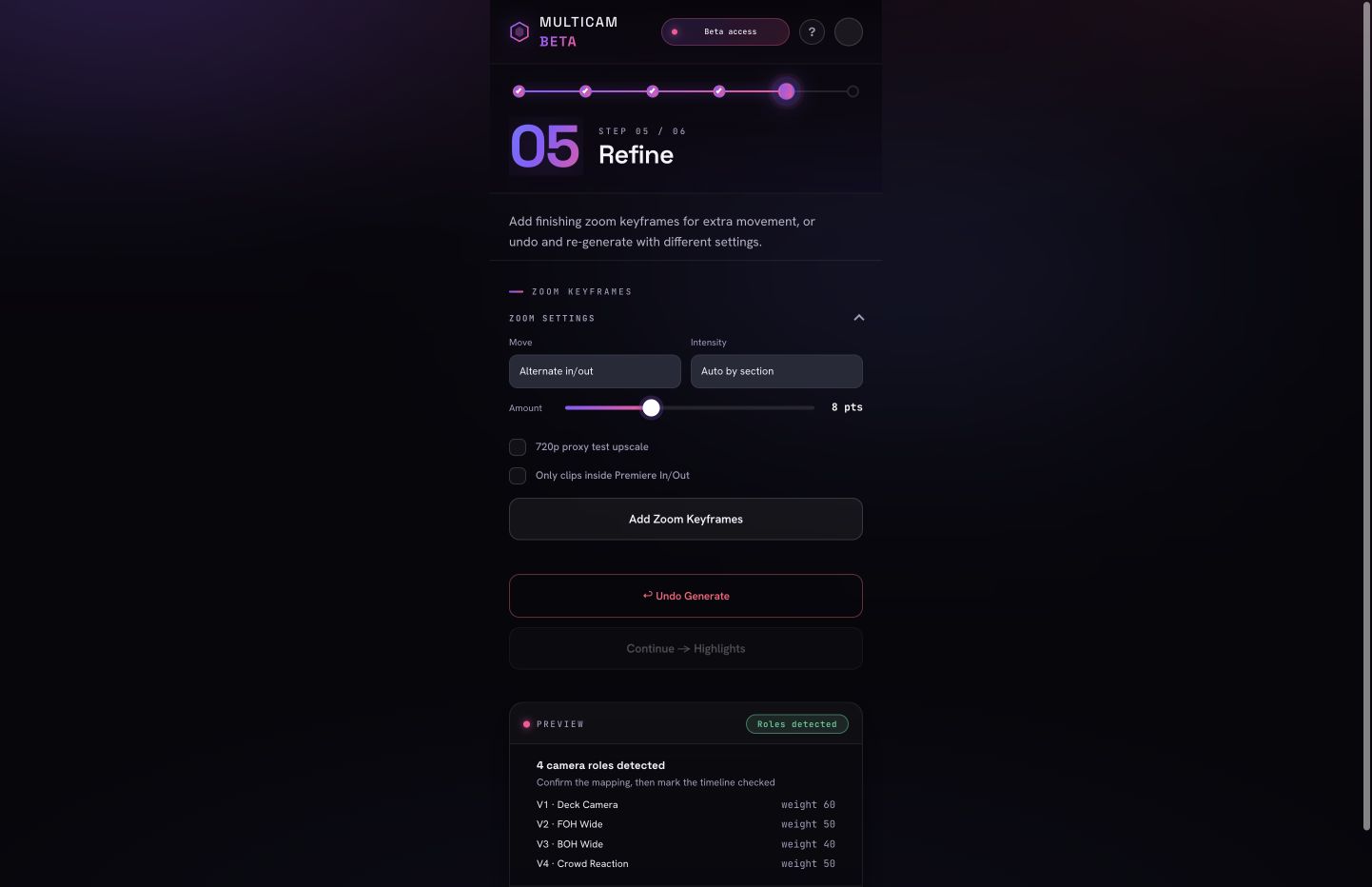
Refine

An editable timeline lands in Premiere — every cut yours.

Demo video — before / after edit
Requirements

What you need.

macOS · Adobe Premiere Pro 2024+. Windows and DaVinci Resolve support are coming soon.

Available now

  • macOS (Apple Silicon & Intel)
  • Adobe Premiere Pro 2024 or newer
  • Runs 100% locally — works offline

Coming soon

  • Windows support soon
  • DaVinci Resolve soon
  • Aftermovie Pro soon
Pricing

Plans for every cutting room.

In private beta — join the waitlist to request access. Free beta seats are selected manually.
Basic
$19 /mo
  • Up to 3 camera angles
  • 10 edits / month
  • Waveform sync
  • 1 device
Join the waitlist
Pro
Most popular
$39 /mo
  • Up to 5 camera angles
  • 25 edits / month
  • Beat-matched cutting
  • Camera roles & genre style
  • 2 devices
Join the waitlist
Max
$79 /mo
  • Up to 12 camera angles
  • Unlimited edits
  • Everything in Pro
  • Priority support
  • For studios
Contact sales
FAQ

Good questions.

No. Editing runs 100% locally on your machine — even fully offline. Your footage never leaves your computer.

Right now: macOS with Adobe Premiere Pro 2024 or newer. Windows and DaVinci Resolve support are coming soon.

Up to 3 angles on Basic, 5 on Pro and 12 on Max. The plugin recognises each file as its own angle automatically.

Fully editable. You get a real Premiere Pro timeline with every cut in place — refine, trim and restyle anything.

Beta access is invite-only. Selected testers may receive free access during the private beta; paid plans start when public access opens.

Ready when you are

Cut your next set in minutes.